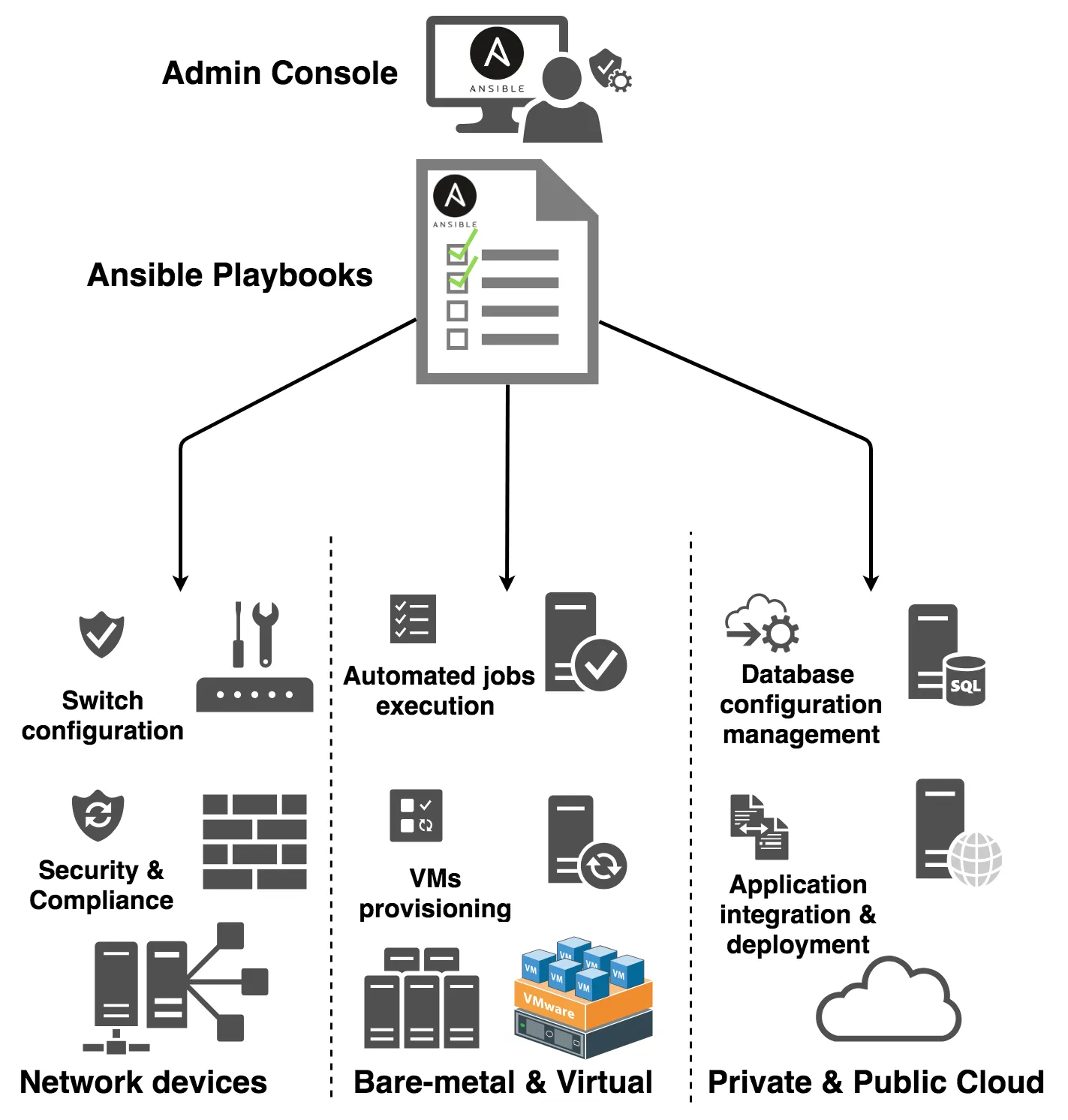
Windows OS Deployment via Ansible AWX on VMware ESX
Bigs Bilişim helped automate Windows VM deployment on VMware ESX with Ansible AWX.
Manual Windows server deployment takes time and creates repeatable work for IT teams. Each new virtual machine needs several steps, such as template cloning, network setup, domain join and post-installation checks.
Therefore, Bigs Bilişim created an Ansible AWX based automation workflow to make Windows VM deployment faster, cleaner and easier to repeat.
Project Overview
The main goal was to reduce manual work during Windows server deployment on VMware ESX.
Instead of building each server by hand, engineers can now start a deployment job from the AWX web interface. First, they enter the VM name, IP address, datastore, network and domain options. Then, AWX runs the required automation steps.
As a result, the team gets a more stable and repeatable Windows OS deployment process.
The Challenge
Manual deployment creates problems when the number of servers grows.
- Server builds take too much time.
- Different engineers may follow different steps.
- Network settings can be missed.
- Domain join tasks can fail without clear checks.
- Post-installation scripts may run inconsistently.
- Documentation becomes harder to maintain.
In addition, manual work makes it harder to scale IT operations. For this reason, Bigs Bilişim moved the process into a controlled AWX workflow.
The Solution
Bigs Bilişim used Ansible AWX as the central automation platform. AWX controls the deployment jobs, credentials, inventories and user input forms.
The solution uses VMware ESX templates as the base image source. Next, Ansible playbooks handle the required deployment and customization tasks.
The workflow includes three main parts:
- AWX job templates to run the deployment process
- AWX survey forms to collect VM parameters
- Ansible playbooks to deploy and customize Windows servers
Key Implementation Steps
AWX Setup
First, Bigs Bilişim prepared AWX for VMware ESX automation.
- Added VMware ESX credentials to AWX
- Connected AWX to a Git-based automation project
- Created job templates for Windows VM deployment
- Added survey forms for VM name, IP address, datastore and network options
- Prepared inventory groups for deployment workflows
Windows Deployment Playbooks
Next, Bigs Bilişim created Ansible playbooks to automate the Windows VM build process.
- Clone Windows virtual machines from VMware templates
- Set CPU, memory, disk and datastore values
- Apply network and IP address settings
- Run post-deployment scripts
- Join the server to Active Directory domain
- Use VMware Tools for Windows customization
One-Click Deployment
After the setup, engineers can launch a new Windows VM deployment from the AWX interface.
They enter the required values, start the job and let AWX handle the workflow. As a result, the team can deploy Windows servers faster and with fewer manual steps.
Business Benefits
Faster Deployment
The automation workflow reduces the time needed to create new Windows virtual machines.
More Consistent Server Builds
Each deployment follows the same template, input form and automation logic. Therefore, the team gets more consistent server builds.
Less Manual Work
AWX handles repeated tasks such as cloning, network setup, domain join and script execution. This allows engineers to focus on higher-value work.
Better Operational Control
AWX gives teams a central place to manage jobs, credentials, logs and execution history. In addition, it helps teams review what happened during each deployment.
A Scalable Automation Model
The same model can support more templates, environments and deployment options later. For example, teams can add different Windows versions, network zones or server roles.
Why Ansible AWX?
Ansible AWX gives infrastructure teams a practical web interface for automation. Teams can manage playbooks, credentials, inventories, surveys and job history from one place.
Also, AWX helps standardize VMware ESX operations without forcing teams into a closed vendor platform.
Why Bigs Bilişim?
Bigs Bilişim combines hands-on infrastructure experience with practical automation skills.
Our team works with VMware, Windows Server, PowerShell, Ansible, Git-based workflows and enterprise IT operations. Therefore, we design automation workflows that real IT teams can use in daily operations.
Read the Original Technical Case
Cetin Kocaman shared the original technical scenario and playbook approach on his personal blog.
Read the original Windows OS Deployment via Ansible AWX case
Need Windows Deployment Automation?
If your team needs to automate Windows Server deployment, VMware ESX operations or infrastructure workflows, Bigs Bilişim can help.
Contact us at [email protected].