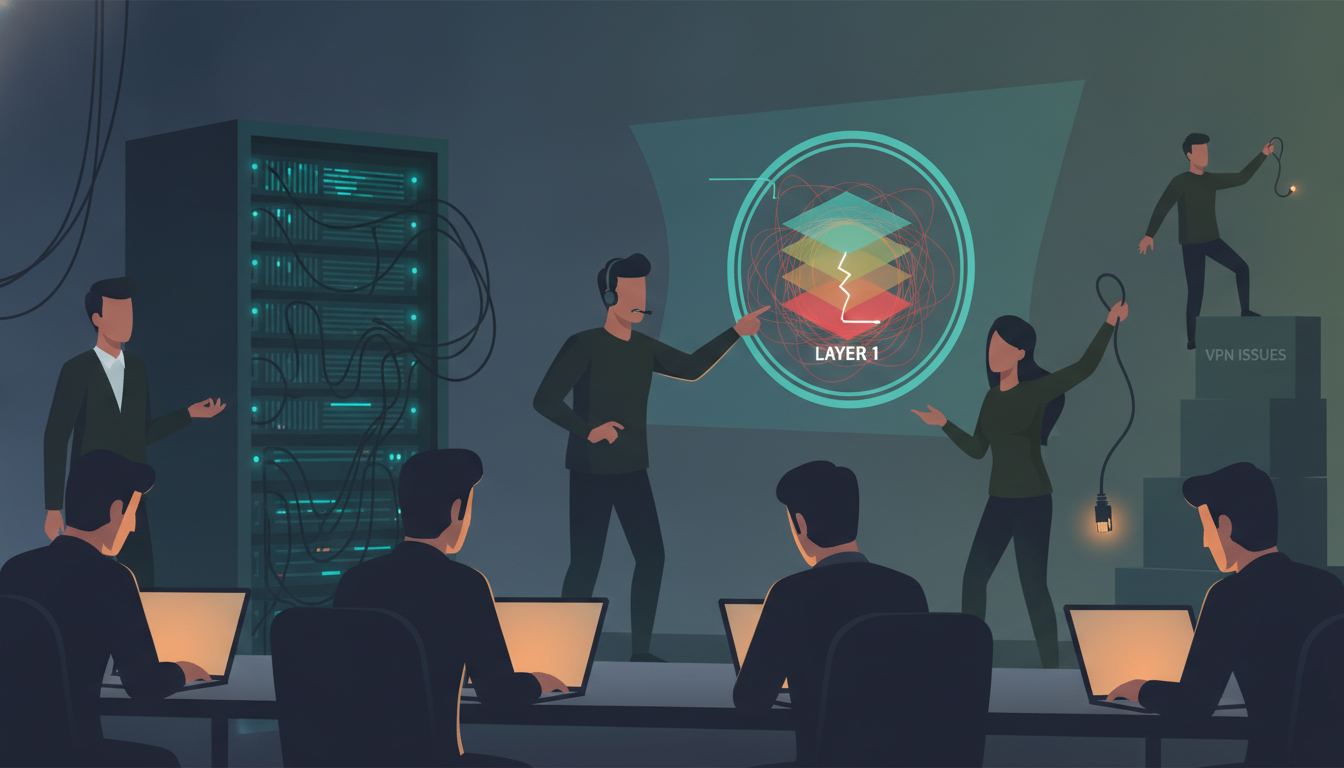
Some tickets arrive with a little cloud of dread around them.
This one came from a client I genuinely enjoy working with: a fully remote company where everybody is technical. Developers, DevOps engineers, system admins. No accounting department politely asking where the internet went. No sales guy calling the monitor “the computer.” These are people who write the deployment pipelines that other people are afraid to touch.
The entire infrastructure lives in the cloud. Users connect over VPN into that environment to run tests and push deployments. If the VPN is down, work stops. Not “slows down.” Stops.
So when the ticket said “Senior developer cannot connect to the VPN,” my brain did what 26 years of IT operations trains a brain to do.
It panicked in a very organized way.
The mental disaster movie starts immediately
Here’s the thing about a ticket from a senior person at an all-technical company. You automatically skip the easy explanations. You assume they already did the easy explanations. In fact you assume they did them twice, wrote a script for them, and pushed it to a private repo.
So within about eleven seconds I had constructed an entire crisis in my head:
- Did a certificate expire? Certificates love expiring on days when I have plans.
- Did someone change a firewall rule in the cloud environment last night?
- Is it a routing problem? A DNS problem? It’s always DNS. Everyone says it’s always DNS. It’s a law of nature at this point.
- Is his ISP blocking the VPN protocol?
- Is this the first domino, and in twenty minutes will the whole team be unable to connect?
You notice what’s missing from that list. I noticed later too. Give me a minute.
The remote session that wasn’t
I called him. Friendly guy, clearly annoyed but not at me — annoyed at the machine, which is the correct target. I asked for his remote access details so I could get on his desktop and look at the VPN client logs myself.
He gave them to me. I typed them in.
Nothing.
I tried again, slower, in the way we all do when we’re convinced our own fingers betrayed us. Still nothing. No session. Not “access denied,” not “wrong password.” Just the digital equivalent of knocking on a door in an empty field.
And this is the moment where, if you’re lucky, the little voice in the back of your head finally clears its throat.
Because a remote support tool failing to connect is not a VPN symptom. That’s a different animal entirely.
Going down the layers, one boring step at a time
So I did the thing I should have done in minute one instead of minute nine. I said: “Let’s park the VPN for a second. Can we run a couple of quick checks together on the connection itself?”
We opened a command prompt. Basic Windows connectivity tests. The kind of commands you can type in your sleep, the kind you’d feel almost embarrassed to walk a senior developer through, like offering a chef a recipe for boiled eggs.
Nothing responded. Nothing at all.
Then I asked, as gently as I could manage: “Just to rule it out — can you open your email? Or any website?”
Short pause on the line.
Longer pause.
“…No.”
The man had no internet.
Not slow internet. Not flaky internet. Not “the VPN is being weird” internet. He had zero connectivity. Email wasn’t loading. Nothing was loading. He had been sitting there trying to establish an encrypted tunnel into a cloud environment across an internet connection that had, at some point that morning, quietly resigned.
The VPN wasn’t broken. The VPN was doing an excellent job of failing to build a bridge over a river that didn’t exist.
I told him to get his connection back and try again. He did. It worked. Ticket closed. Total damage: about fifteen minutes of two experienced people investigating layer 7 while the fault sat calmly at layer 1, waiting to be noticed.
The invisible assumption of the remote-first, cloud-everything era
Here’s what I find genuinely interesting about this, and why I still think about it.
Twenty years ago, in an office, a dead internet connection announced itself. Loudly. Someone stood up. Then three more people stood up. Within ninety seconds you had a small standing committee near the printer and someone was already walking toward the server room with a face like a weather warning. Connectivity failure was a social event.
Now? Everyone works alone at home. Every tool is in the cloud. Connectivity has become like oxygen — completely essential and completely unnoticed until you’re on the floor. When your internet dies at home, nobody stands up. Nobody walks past your desk. The only thing that happens is that one specific app you were using starts complaining, and your brain says: “Ah. That app is broken.”
It isn’t. The ground under the app is gone. But the app is the only thing making noise, so the app gets blamed.
Lesson one: expertise does not exempt you from step zero
The person in this story writes software that thousands of people rely on. He understands networking better than most support engineers I’ve met. And he still spent his morning debugging layer 7 while layer 1 was dead.
That is not a knock on him. That’s the whole point.
Seniority does not let you skip layers. It just makes you skip them faster and with more confidence. The more you know, the more interesting hypotheses your brain can generate — and the more attractive those interesting hypotheses look compared to the deeply boring one at the bottom.
Expertise doesn’t protect you from the basics. It gives you better excuses for skipping them.
And before anyone gets smug: I have absolutely been that guy. I once spent a serious chunk of an afternoon investigating a “printer problem” that turned out to be a printer someone had switched off. I’ve stared at monitoring dashboards trying to work out why a service looked dead when the actual answer was that I was looking at the wrong environment. I’ve rebuilt configurations that were never broken.
We all take a turn being that developer. The only variable is whether it’s your turn today.
Lesson two: the art of asking “do you have internet?” without insulting anyone
This is the support-side skill nobody teaches you, and it matters more than any certification.
Ask “do you have internet?” the wrong way and it lands as “are you an idiot?” — especially with a technical user, who hears it as a challenge to their competence. Then they get defensive, you get a shorter answer than you need, and now you’re troubleshooting a relationship instead of a network.
What works for me:
- Make it about ruling things out, not about them. “Let’s eliminate the boring stuff first so we’re not chasing it later.” Now you’re teammates crossing items off a list.
- Do it together, not to them. “Can you run this with me and tell me what you see?” You’re not testing their intelligence, you’re gathering data.
- Take the blame yourself, generously. “Sorry, I have to ask this because I’ve personally missed it before.” Which, in my case, is not a diplomatic lie. It’s a résumé.
- Never say “obviously” or “just.” Those two words have ended more troubleshooting sessions than any firewall.
The rule I keep going back to
Start at the bottom. Every time. No matter how senior the person on the other end is, no matter how sophisticated the environment, no matter how much the ticket title is begging you to jump straight to the interesting part.
Cable. Link. Address. Route. Name resolution. Then the application.
It takes ninety seconds to walk down those layers. It takes forty-five minutes to walk back up them after you’ve guessed wrong and started “fixing” things that were never broken.
And the deep, cosmic joke of our industry is this: we have built these magnificent distributed cloud systems, with redundancy and failover and infrastructure-as-code, all of it accessed by human beings sitting in rooms, and every single bit of it still rests on one small blinking box that occasionally decides, without announcement or apology, to stop.
Check the box first.