Highlights Clipper – AI Gameplay Video Highlights & Stats Editor
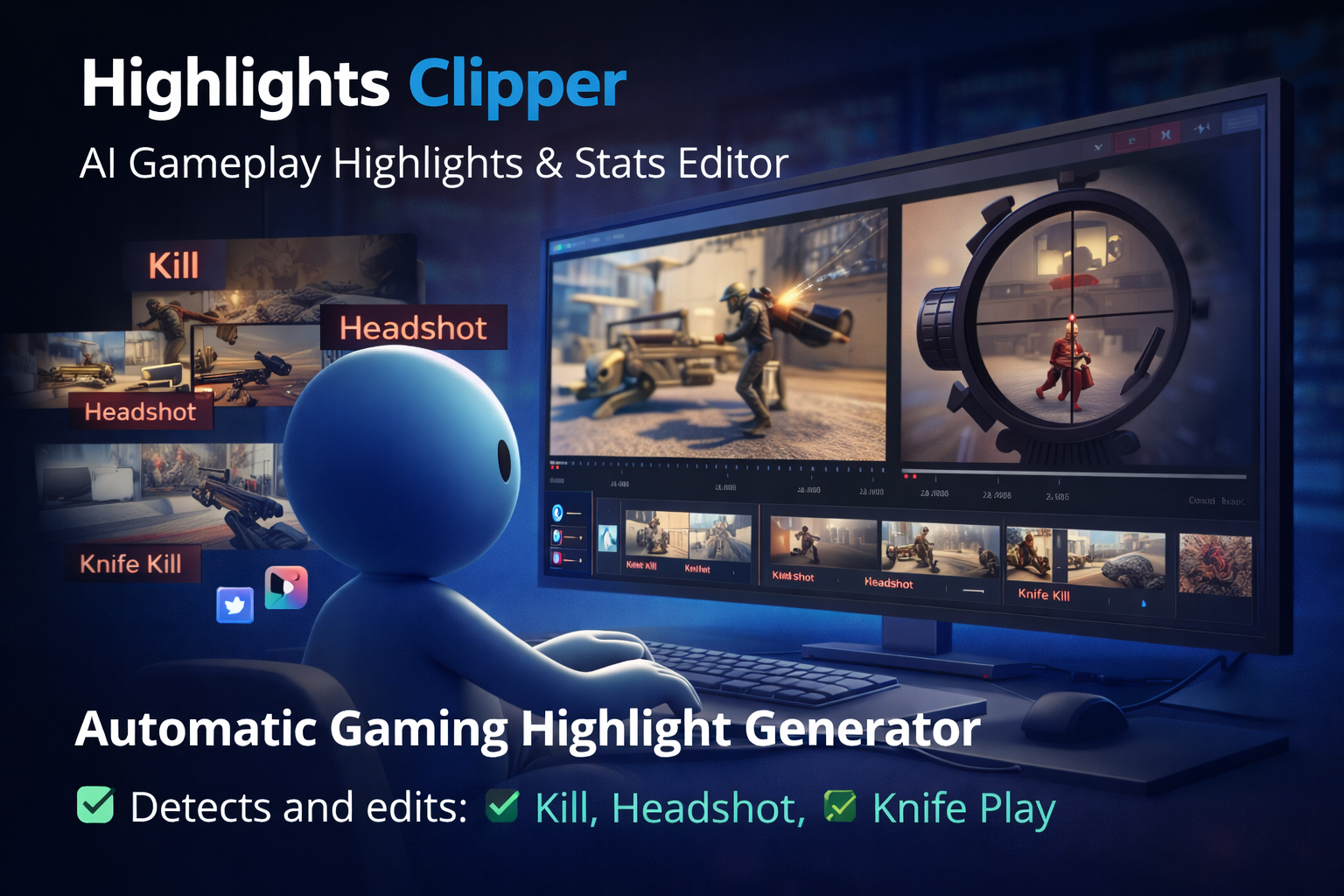
Highlights Clipper is an online AI video editor that turns long gameplay recordings into short, share-ready highlight clips automatically. Upload your VOD and let AI detect the most important moments, generate a clean highlight flow, and help you publish faster on Shorts/Reels/TikTok.
Website: https://highlightsclipper.com/
What problem does it solve?
Watching hours of gameplay just to find “the best moments” is slow and painful. Highlights Clipper automates highlight detection and clip creation so creators and teams can focus on playing and publishing instead of scrubbing timelines.
Key Capabilities
-
Automatic highlight extraction from long gameplay videos
-
Kill shots / headshots detection to capture high-impact moments
-
Knife play analysis to identify special actions and sequences
-
Short clip generation optimized for social media formats
-
Faster content workflow with reduced manual editing time
How it works
-
Upload your gameplay video (VOD)
-
AI analyzes the footage and detects key action moments
-
Export your highlight clips and post them anywhere
Plans & Pricing
Free Plan
-
Up to 2 hours/week of gameplay video processing
Premium – $9.99/month
-
Up to 10 hours/week of gameplay video processing
Professional – $39.99/month
-
Processing on dedicated AI servers for higher performance and volume
Who is it for?
-
Twitch / YouTube creators
-
Esports players and teams
-
Video editors and agencies
-
Gaming communities and tournament organizers
Call to Action
Start now and test the workflow with the Free Plan:
https://highlightsclipper.com/
For enterprise usage, custom integrations, or dedicated workflows, contact Bigs Bilişim for a demo.
Frequently Asked Questions
What is Highlights Clipper?
Highlights Clipper is an AI-powered gameplay video editor that helps creators turn long gameplay recordings into short, share-ready highlight clips automatically.
Who is Highlights Clipper designed for?
Highlights Clipper is designed for Twitch streamers, YouTube creators, esports players, gaming teams, video editors, gaming communities and tournament organizers who need faster highlight creation.
What problem does Highlights Clipper solve?
Finding the best moments inside long gameplay recordings takes time. Highlights Clipper reduces manual review and editing work by using AI to detect important gameplay moments and generate shorter highlight clips.
How does Highlights Clipper work?
Users upload a gameplay video, the AI analyzes the footage, detects key action moments, and helps generate highlight clips that can be exported and shared on platforms such as YouTube Shorts, Instagram Reels, TikTok or social media channels.
What type of gameplay moments can it detect?
Highlights Clipper can help identify high-impact gameplay moments such as kills, headshots, knife plays, action sequences and other important events depending on the supported game and video quality.
Does Highlights Clipper replace a professional video editor?
No. Highlights Clipper is designed to speed up the editing workflow by detecting and preparing highlight moments. Creators and editors can still review, adjust and publish the final clips based on their own style.
Can Highlights Clipper be used for Shorts, Reels and TikTok?
Yes. Highlights Clipper is designed to help creators produce shorter clips suitable for social media formats such as YouTube Shorts, Instagram Reels and TikTok.
Is there a free plan?
Yes. Highlights Clipper includes a Free Plan that allows users to test the workflow with limited weekly gameplay video processing.
What is included in the Premium plan?
The Premium plan is designed for creators who need more weekly processing capacity than the Free Plan and want to generate more gameplay highlight clips on a regular basis.
What is the Professional plan for?
The Professional plan is designed for higher-volume users, teams or professional workflows that need stronger processing capacity and dedicated AI server resources.
Can Highlights Clipper be used by esports teams?
Yes. Esports players and teams can use Highlights Clipper to review gameplay recordings faster, extract important moments and create content for social media, community engagement or team promotion.
Can Bigs Bilişim provide custom integrations for Highlights Clipper?
Yes. For enterprise usage, custom workflows, dedicated processing needs or integrations with existing media pipelines, Bigs Bilişim can provide consultation and demo support.